Themestage 1.4.0
Описание
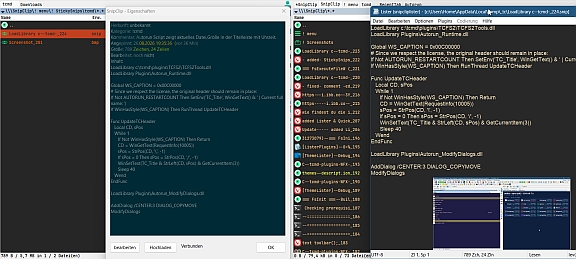
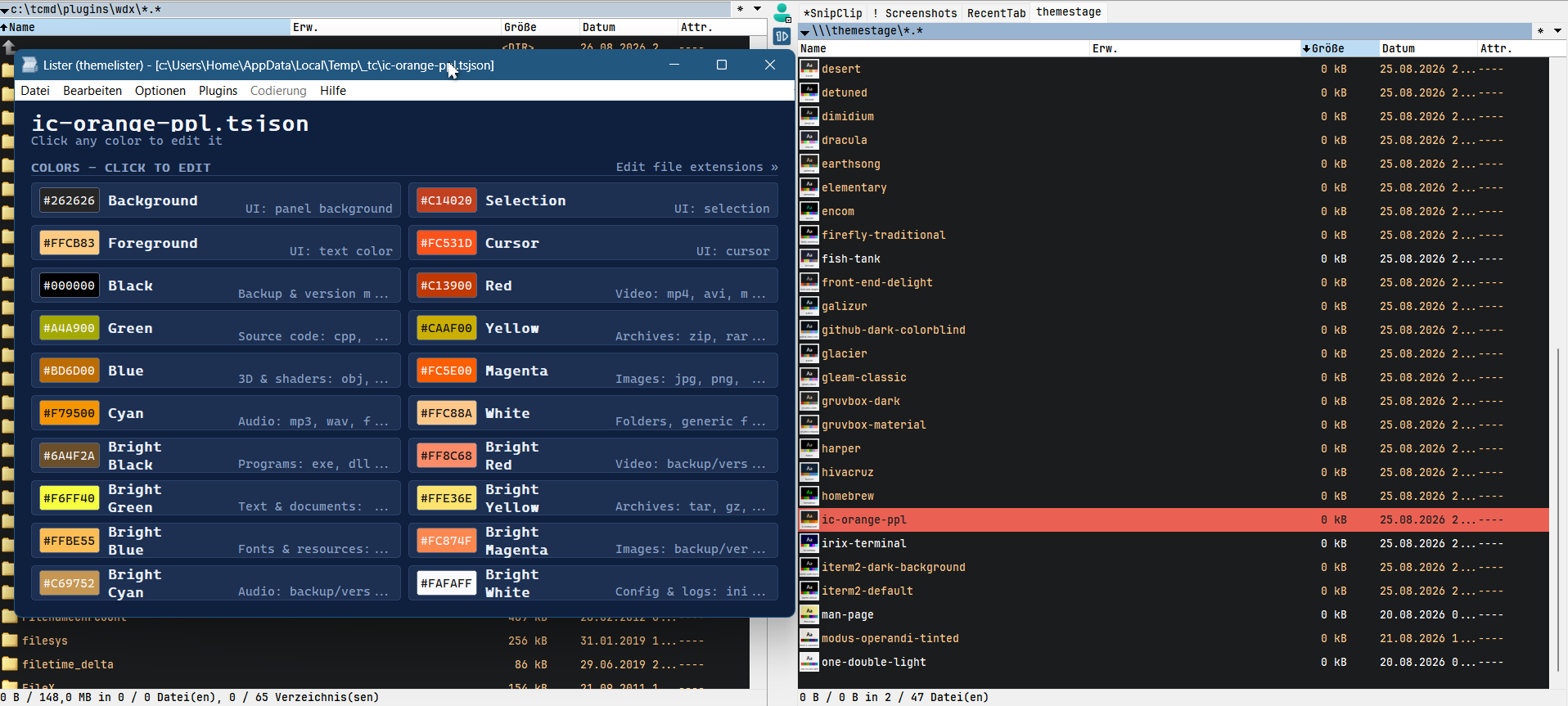
Imports Windows Terminal color scheme files (*.json) as native Total Commander themes and switches between them live. Colors can be reviewed and edited directly from within TC - via the Alt+Enter properties dialog (with contrast info against the background), or via Lister/QuickView (F3) on any theme file, which also lets file-type extension categories be adjusted per theme. All adjustments are remembered per theme; a built-in "! Reset" entry restores TC's original settings with a single click. Opt-in by design - the plugin doesn't touch TC's colors until a theme is actually selected.Что нового
-# change the theme without restarting.
-+ added if you manually create entries in the colour filters – which have nothing to do with colours (autorun) – these are also included in the list.
-+ added !Reset button restores the TC to its default settings with a single click.
-# now you can use both - dark & light tc
-# when the plugin finds a RedirectSection= that was already there, it backs up that target file too before ever writing to it, and "! Reset" restores from that backup as well.
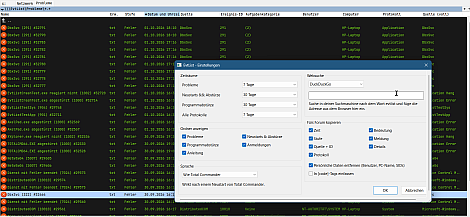
-+ added a new Alt+Enter dialog
-+ added Lister & QuickView(wlx)support to edit themes via Windows' color tool directly
-+ added a Network-Panel icon
-# ThemeStage now restarts automatically the very first time it's activated - same behavior as Reset
-# reworked the Alt+Enter window
-+ added F3/QuickView support to edit colors directly
-+ added file-extension categories, editable right from the Lister window
-! side effect: the title bar can now be customized for specific purposes via WindowTitleBase=
-+ added if you manually create entries in the colour filters – which have nothing to do with colours (autorun) – these are also included in the list.
-+ added !Reset button restores the TC to its default settings with a single click.
-# now you can use both - dark & light tc
-# when the plugin finds a RedirectSection= that was already there, it backs up that target file too before ever writing to it, and "! Reset" restores from that backup as well.
-+ added a new Alt+Enter dialog
-+ added Lister & QuickView(wlx)support to edit themes via Windows' color tool directly
-+ added a Network-Panel icon
-# ThemeStage now restarts automatically the very first time it's activated - same behavior as Reset
-# reworked the Alt+Enter window
-+ added F3/QuickView support to edit colors directly
-+ added file-extension categories, editable right from the Lister window
-! side effect: the title bar can now be customized for specific purposes via WindowTitleBase=