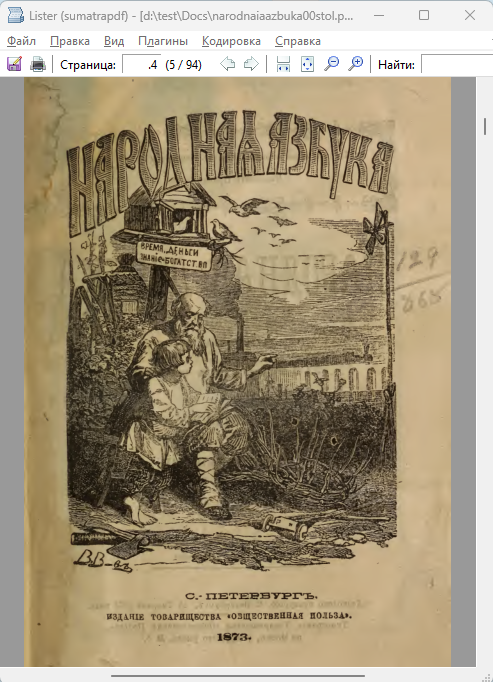
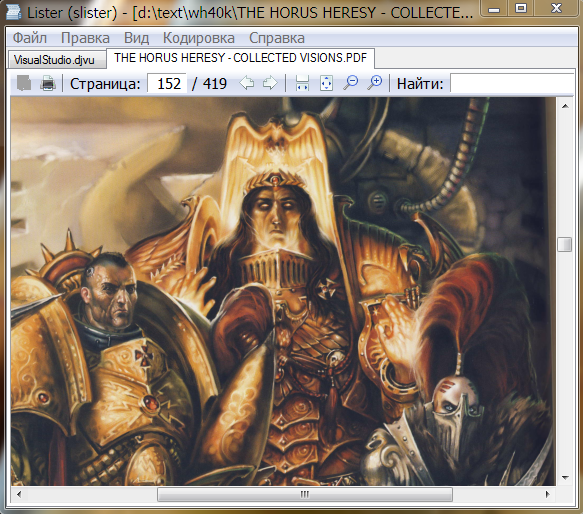
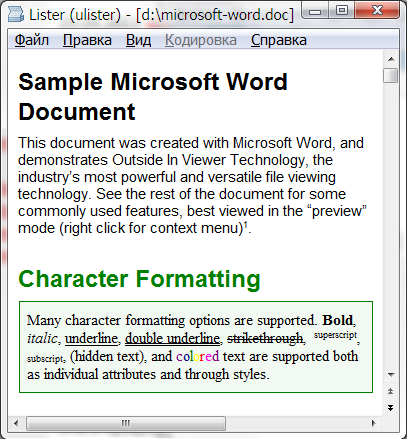
MowlView 1.6.3
Описание
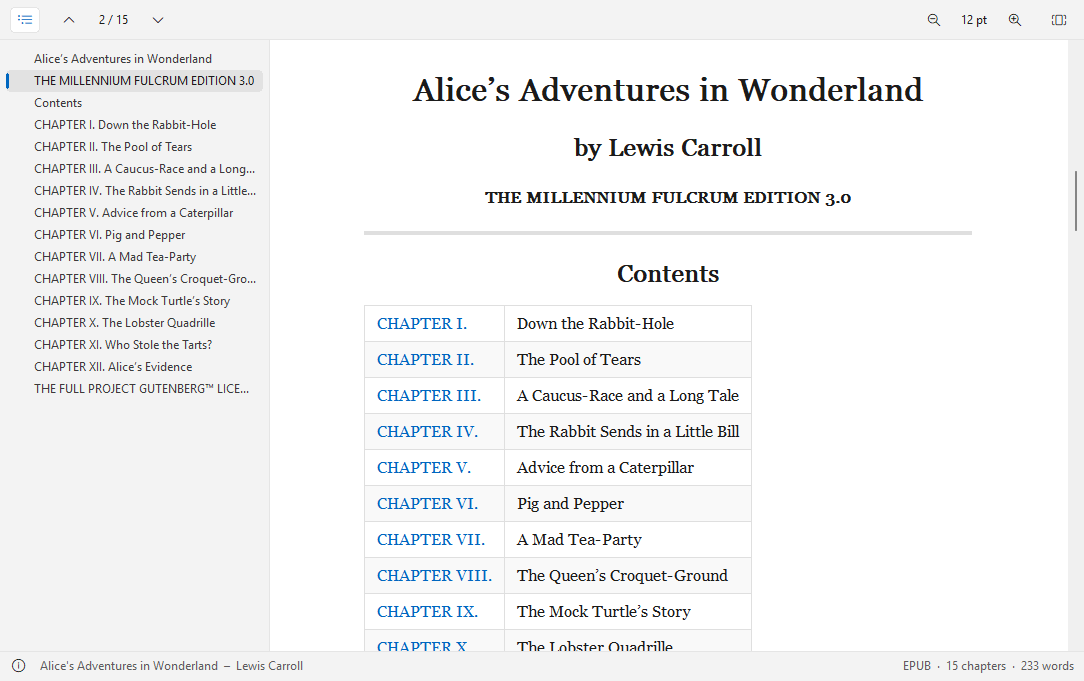
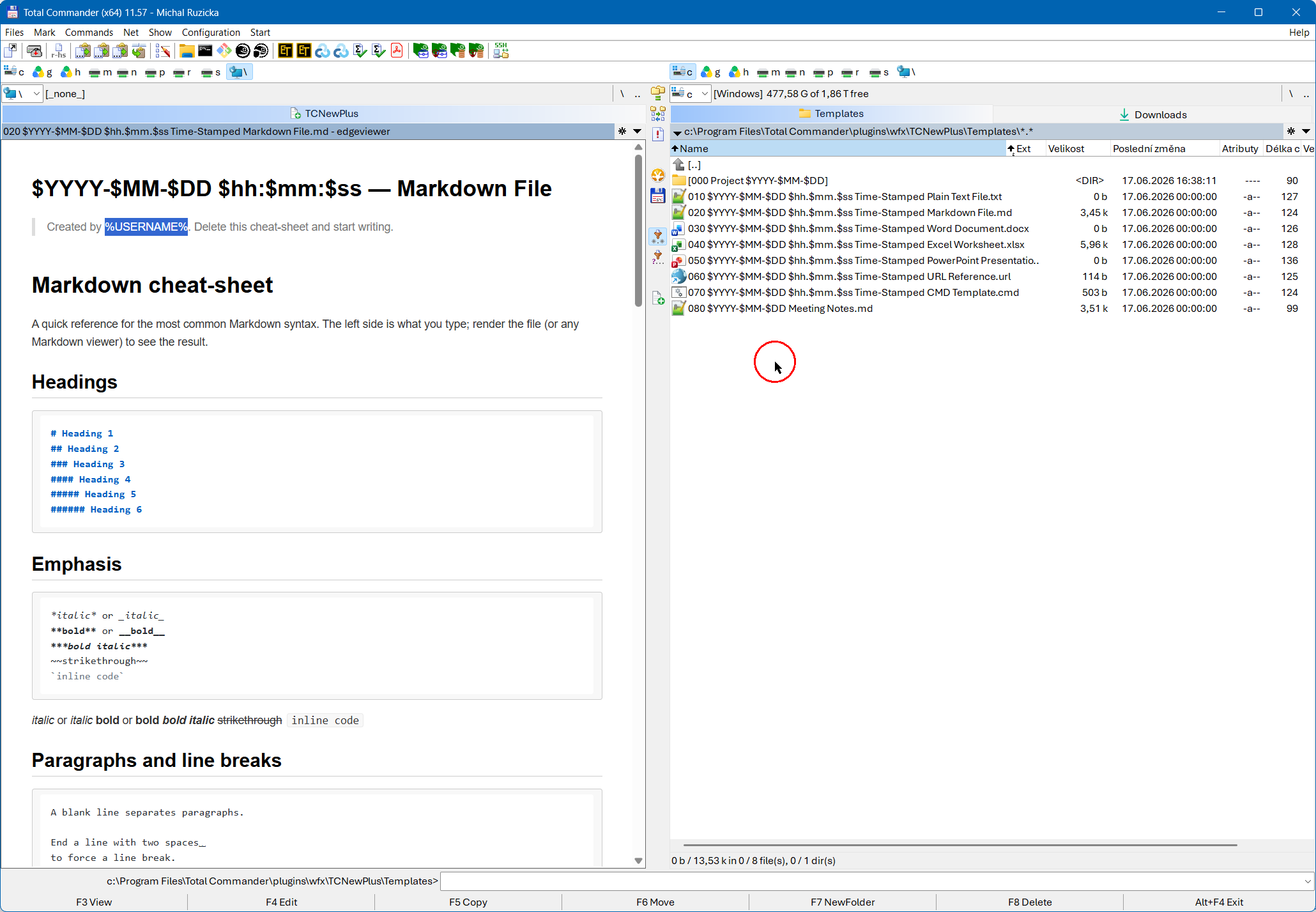
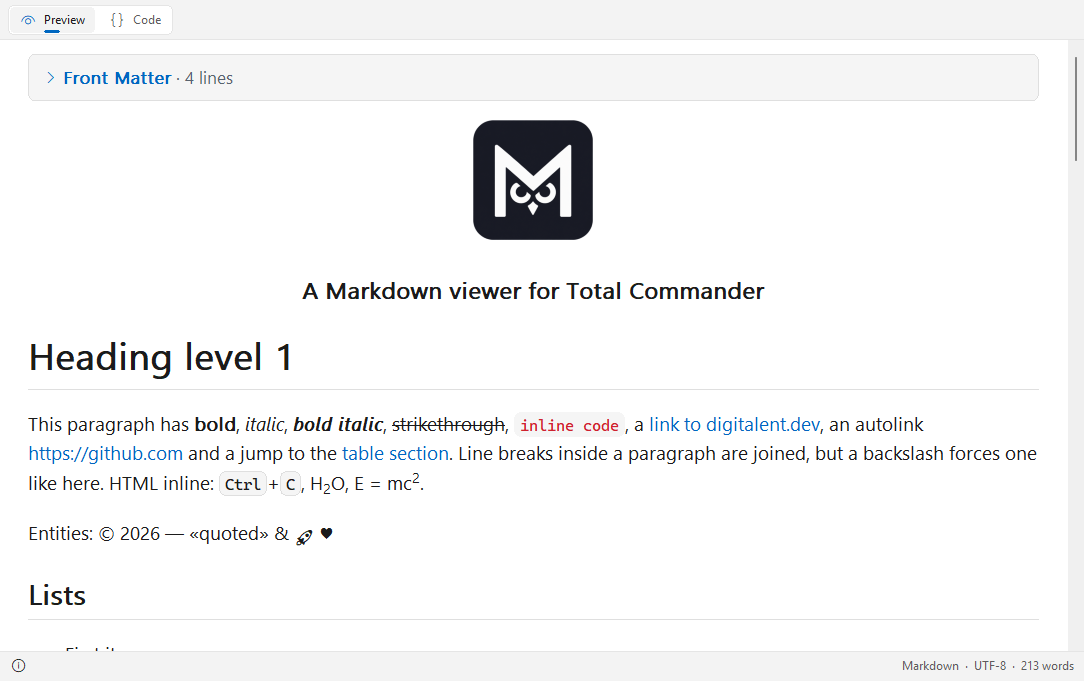
MowlView – просмотрщик Markdown (плагин Lister) для Total Commander, 32 и 64 битMowlView показывает документы Markdown в Lister (F3) Total Commander так, как они и должны выглядеть: с заголовками, таблицами, кодом, изображениями и ссылками – или, по нажатию клавиши, как исходный код с подсветкой синтаксиса. Родной и быстрый, без браузерного движка, без среды выполнения, ничего не нужно устанавливать, кроме самого плагина.
Поддерживаемые файлы
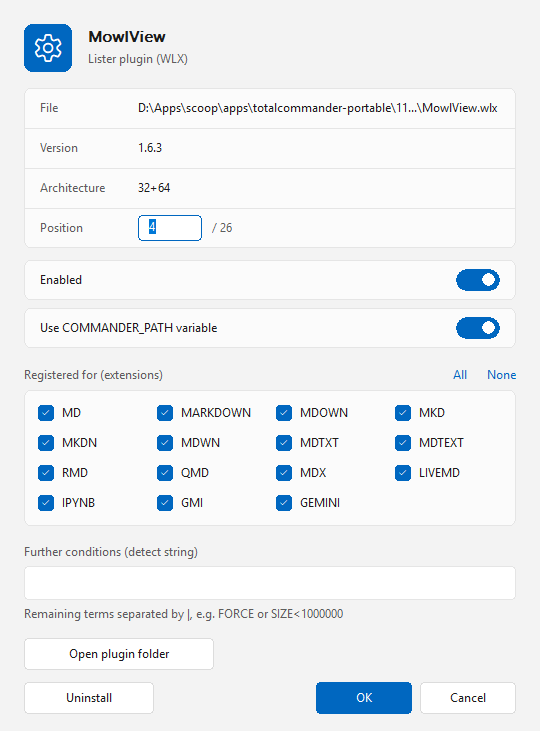
- Markdown: .md, .markdown, .mdown, .mkd, .mkdn, .mdwn, .mdtxt, .mdtext, .mdx, .livemd
- R Markdown и Quarto: .rmd, .qmd (YAML front matter в виде сворачиваемого блока)
- Блокноты Jupyter: .ipynb (ячейки Markdown, ячейки кода с номером выполнения, текстовые и графические результаты)
- Gemini Gemtext: .gmi, .gemini
Возможности
- CommonMark с расширениями GitHub: таблицы, списки задач, зачёркивание, автоссылки, сноски и уведомления (NOTE, TIP, IMPORTANT, WARNING, CAUTION).
- Встроенный HTML и блоки HTML: kbd, sub, sup, изображения по центру и сворачиваемые разделы details.
- Подсветка синтаксиса в блоках кода (C/C++, C#, Java, JavaScript/TypeScript, Python, Rust, Go, JSON, diff и многие другие).
- Изображения из локальных файлов: PNG, JPEG, GIF, BMP, TIFF, ICO (WebP/HEIC с кодеками Windows), масштабируются в высоком качестве.
- Два режима: Preview (Ctrl+1) и Code (Ctrl+2) с подсветкой синтаксиса и необязательным переносом строк (Ctrl+W).
- Кликабельные ссылки: переходы внутри документа, к другим файлам и веб-адресам; "Go to heading" в контекстном меню.
- Текст справа налево (арабский, иврит, персидский) определяется для каждого абзаца и получает собственный шрифт.
- Выделение текста мышью, Ctrl+A и Ctrl+C; поиск через Find (F7) Total Commander.
- Масштабирование с помощью Ctrl+плюс/минус или Ctrl+колесо мыши, Ctrl+0 сбрасывает масштаб.
- Выбираемые шрифты для текста, текста справа налево и кода.
- Светлое и тёмное оформление: автоматически как в Windows или фиксированное; вид Windows 11.
- Строка состояния с форматом, кодировкой и числом слов или строк.
- Кодировки текста: UTF-8, UTF-16 (с BOM или без), Windows-1252.
- Интерфейс на английском и немецком языках (в соответствии с языком Windows).
Установка
Откройте MowlView.zip в Total Commander и подтвердите установку. Настройки хранятся в MowlView.ini рядом с плагином.
Требования
Total Commander 32 или 64 бит, Windows 10 или 11.
Разработчик: Ali Naderi – digitalent.dev
Freeware: можно бесплатно использовать и распространять без изменений; продажа запрещена.
Что нового
1.6.3 (2026-11-04)
- Print margins: the "Print margins" entry is removed from the context menu; the print settings of Total Commander apply. PrintMargins in MowlView.ini (in mm) still overrides them.
1.6.2 (2026-11-04)
- Printing: every page now has its number ("1 / 5") at the bottom (switch off with PrintPageNumbers=0 in MowlView.ini or in the context menu)
- Print margins: context menu > Print margins (page setup dialog) or PrintMargins in MowlView.ini (in mm); they win over the margins to Total Commander passes
1.6.1 (2026-11-04)
- SVG pictures: badges (e.g. shields.io) and other SVG images are now drawn, both from the internet and from local files. Needs Windows 10 (1703) or later.
1.6.0 (2026-10-31)
- Printing: File > Print opens the printer dialog; the document is printed in light colors on white paper and broken between lines (in source view the source is printed)
1.5.1 (2026-10-30)
- Picture titles as tooltip: the title of a picture (, <img title="…">) is shown as a tooltip, also on the placeholder of a picture that is not loaded. A picture inside a link shows its own title first, otherwise the link's title.
- Fix: the tooltips for link titles introduced in 1.5.0 did not appear. They work now.
1.5.0 (2026-10-30)
- Link titles as tooltip: [text](url "Title") and <a title="…"> show the title as a tooltip when the mouse is over the link.
- Pictures from the internet: new switch Pictures from the internet (top right in the preview, also in the context menu). Off by default: a placeholder with the alt text is shown and nothing is downloaded. When switched on, https pictures are loaded in the background (up to 10 MB each). The setting is saved in MowlView.ini.
1.4.0 (2026-10-30)
Heading ids in parentheses: ## Title (#my-id) now works like ## Title {#my-id}, so links like [text](#my-id) jump to the heading. The id is hidden in the displayed heading.
1.3.0 (2026-10-30)
- Internal links: [test](#test "test") already worked and jumps to a heading whose generated anchor is test. A heading written as ## test (#test) gets the anchor test-test, so that link went nowhere. You can now set the anchor explicitly with ## test {#test}, and the link then jumps there.
- Text cursor: click into the text or press Ctrl+K (also in the context menu as "Text cursor") to get a blinking cursor. Move it with the arrow keys, Ctrl+arrows (by word), Home/End, Ctrl+Home/End and PgUp/PgDn. Shift extends the selection. Until you click into the text or press Ctrl+K, the keys scroll as before.
1.2.0 (2026-10-30)
Buttons: the Preview/Code switch and the Word wrap switch can now sit at the top (default), in the status bar next to the info button, or be hidden – Buttons in the context menu (Buttons in MowlView.ini)
Theme: new choice Like Total Commander (follows Total Commander's dark mode only)
1.1.0 (2026-10-26)
- Flowcharts: Mermaid diagrams (flowchart / graph) in ```mermaid code blocks are now drawn as pictures – top-down, bottom-up, left-right and right-left, the usual node shapes (rectangle, rounded, stadium, circle, diamond, hexagon, cylinder, subroutine and more), solid, dotted and thick links with arrows, labels on links, subgraph groups, style and classDef
- Light and dark design, scaled with zoom and display scaling
- Text that is not a flowchart (other Mermaid diagram types) stays a normal code block
- Print margins: the "Print margins" entry is removed from the context menu; the print settings of Total Commander apply. PrintMargins in MowlView.ini (in mm) still overrides them.
1.6.2 (2026-11-04)
- Printing: every page now has its number ("1 / 5") at the bottom (switch off with PrintPageNumbers=0 in MowlView.ini or in the context menu)
- Print margins: context menu > Print margins (page setup dialog) or PrintMargins in MowlView.ini (in mm); they win over the margins to Total Commander passes
1.6.1 (2026-11-04)
- SVG pictures: badges (e.g. shields.io) and other SVG images are now drawn, both from the internet and from local files. Needs Windows 10 (1703) or later.
1.6.0 (2026-10-31)
- Printing: File > Print opens the printer dialog; the document is printed in light colors on white paper and broken between lines (in source view the source is printed)
1.5.1 (2026-10-30)
- Picture titles as tooltip: the title of a picture (, <img title="…">) is shown as a tooltip, also on the placeholder of a picture that is not loaded. A picture inside a link shows its own title first, otherwise the link's title.
- Fix: the tooltips for link titles introduced in 1.5.0 did not appear. They work now.
1.5.0 (2026-10-30)
- Link titles as tooltip: [text](url "Title") and <a title="…"> show the title as a tooltip when the mouse is over the link.
- Pictures from the internet: new switch Pictures from the internet (top right in the preview, also in the context menu). Off by default: a placeholder with the alt text is shown and nothing is downloaded. When switched on, https pictures are loaded in the background (up to 10 MB each). The setting is saved in MowlView.ini.
1.4.0 (2026-10-30)
Heading ids in parentheses: ## Title (#my-id) now works like ## Title {#my-id}, so links like [text](#my-id) jump to the heading. The id is hidden in the displayed heading.
1.3.0 (2026-10-30)
- Internal links: [test](#test "test") already worked and jumps to a heading whose generated anchor is test. A heading written as ## test (#test) gets the anchor test-test, so that link went nowhere. You can now set the anchor explicitly with ## test {#test}, and the link then jumps there.
- Text cursor: click into the text or press Ctrl+K (also in the context menu as "Text cursor") to get a blinking cursor. Move it with the arrow keys, Ctrl+arrows (by word), Home/End, Ctrl+Home/End and PgUp/PgDn. Shift extends the selection. Until you click into the text or press Ctrl+K, the keys scroll as before.
1.2.0 (2026-10-30)
Buttons: the Preview/Code switch and the Word wrap switch can now sit at the top (default), in the status bar next to the info button, or be hidden – Buttons in the context menu (Buttons in MowlView.ini)
Theme: new choice Like Total Commander (follows Total Commander's dark mode only)
1.1.0 (2026-10-26)
- Flowcharts: Mermaid diagrams (flowchart / graph) in ```mermaid code blocks are now drawn as pictures – top-down, bottom-up, left-right and right-left, the usual node shapes (rectangle, rounded, stadium, circle, diamond, hexagon, cylinder, subroutine and more), solid, dotted and thick links with arrows, labels on links, subgraph groups, style and classDef
- Light and dark design, scaled with zoom and display scaling
- Text that is not a flowchart (other Mermaid diagram types) stays a normal code block
Предыдущие версии
- 1.6.2 04.11.2026 Скачать 644 КБ
- 1.6.1 04.11.2026 Скачать 615 КБ
- 1.6.0 31.10.2026 Скачать 599 КБ
- 1.5.1 30.10.2026 Скачать 597 КБ
- 1.5.0 30.10.2026 Скачать 595 КБ
- 1.4.0 30.10.2026 Скачать 578 КБ
- 1.3.0 30.10.2026 Скачать 578 КБ
- 1.2.0 30.10.2026 Скачать 570 КБ
- 1.1.0 26.10.2026 Скачать 569 КБ
- 1.0.0 24.10.2026 Скачать 474 КБ